Start with a tap.
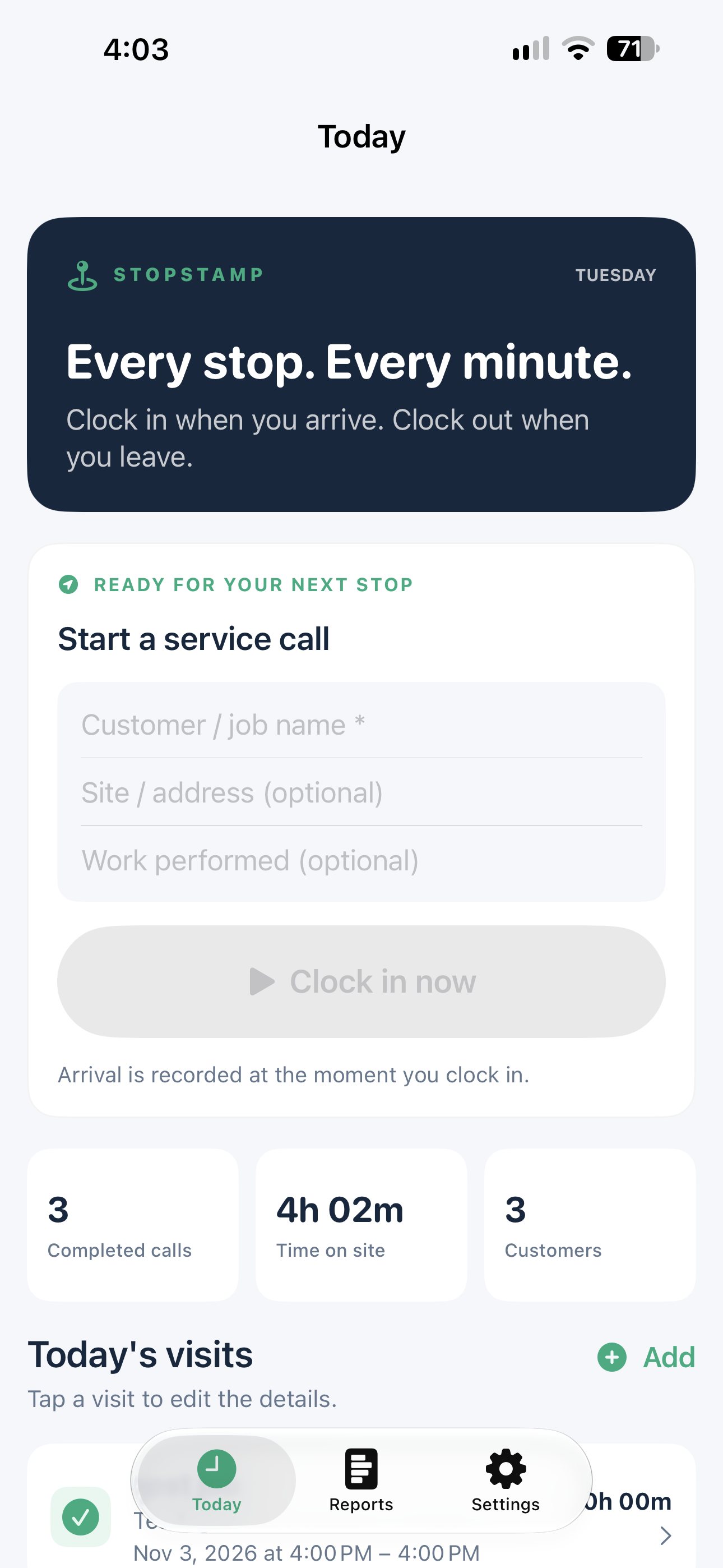
Add the customer or job, then clock in. Keep the site address and work details alongside your time.
Clock in, get to work, and clock out. Keep your service calls organized and turn your week into an Excel timesheet.
Works offline. No account required.
Built for installers, technicians, and anyone whose work takes them from one customer to the next.
Add the customer or job, then clock in. Keep the site address and work details alongside your time.
Clock out when you leave. Add notes, edit a visit, or enter a missed call to keep your day accurate.
Review hours by day and customer, then export an Excel report when it’s time to share your work.
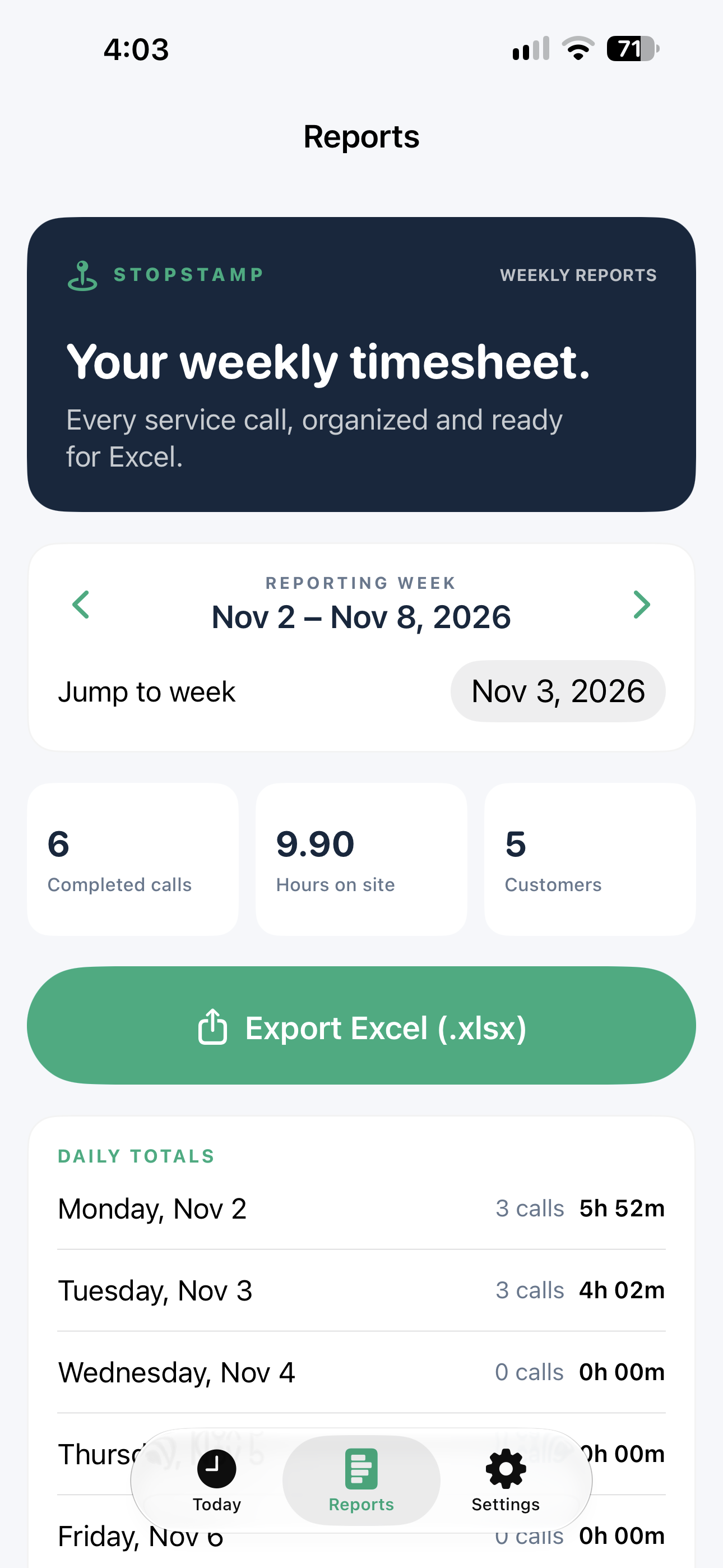
Your service calls become a clear weekly record, ready to review and export.
StopStamp stores service-call records locally. There’s no account to create and no GPS tracking.
Export a full backup to keep a copy of your service history or move it to another iPhone.
Read our privacy policy ↗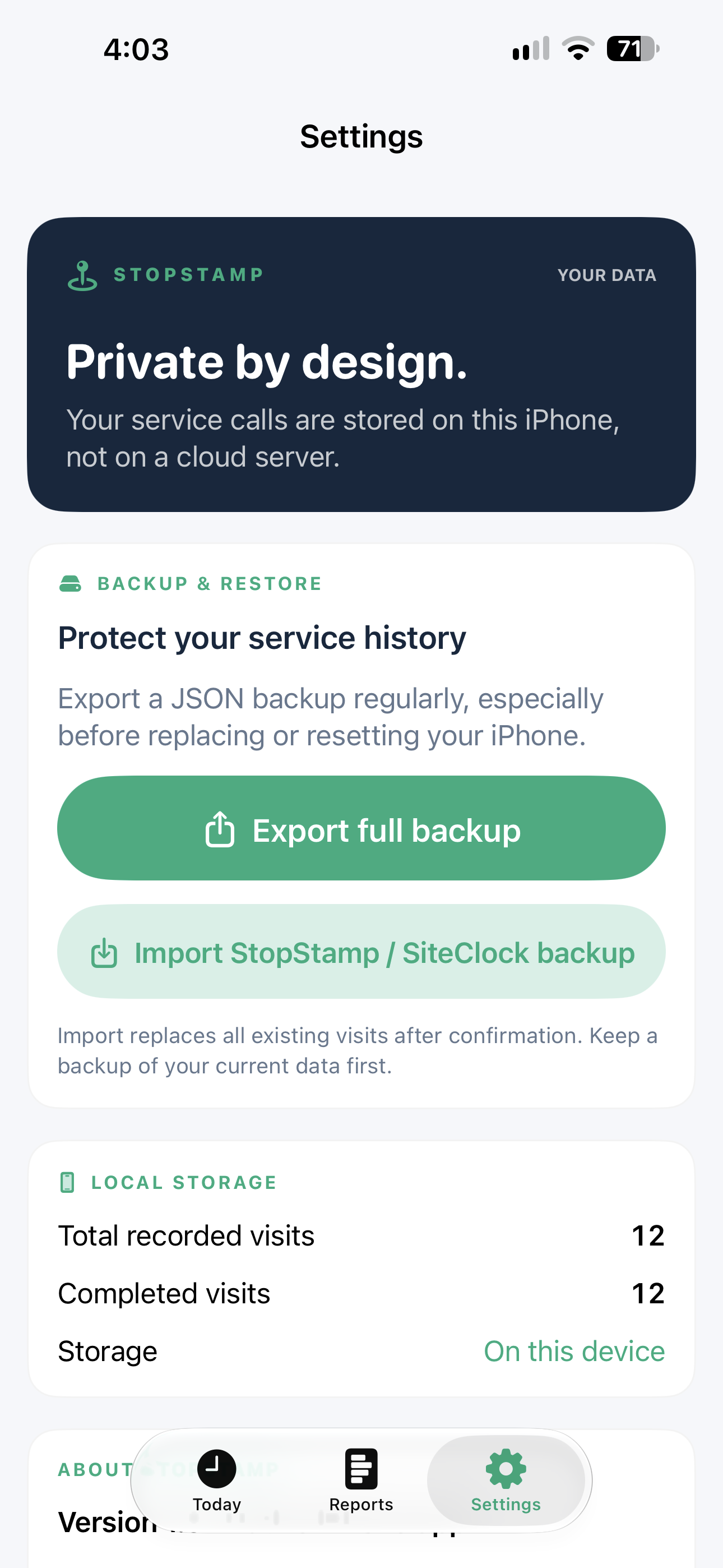
Find answers about tracking, reports, and backups.